Ten Best Social Media Management Tools and Software (2023)
ebridge
Jan 2, 2023 · 25 min read
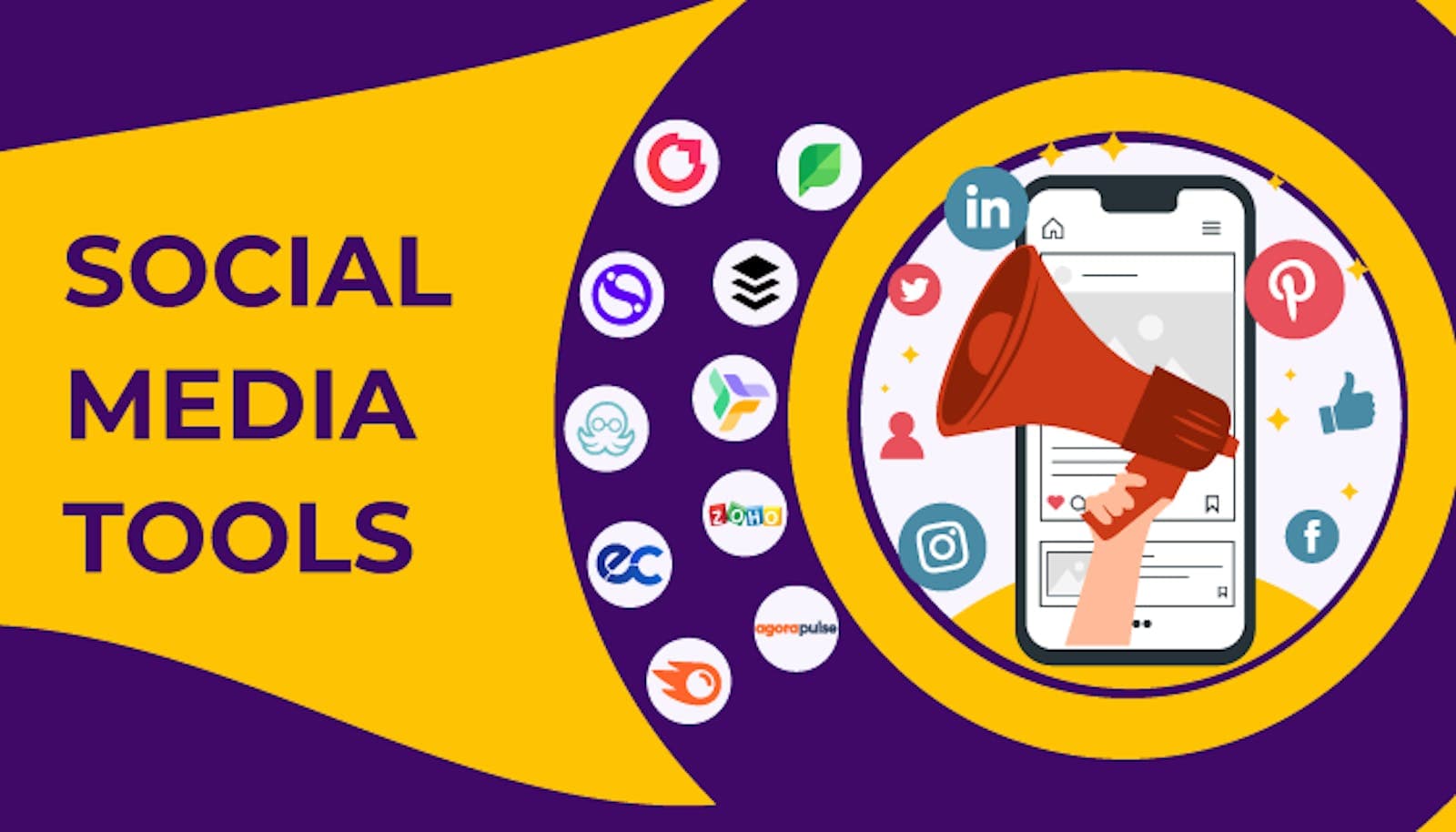
Businesses are actively changing their attention to their social media strategy to increase the visibility of their goods and services.
Businesses must focus on what they need to improve their social media ROI and track their marketing activities.
They are searching for solutions that can be used across all social media networks for listening, analyzing, and engaging. Businesses must rely on social media management technologies that can improve their financial situation.
To link and manage all social media networks on a single platform, we choose to rank and compare the ten best social media management tools.
First, What Is a Social Media Management Tool?
A social media management tool is, in the simplest terms, a piece of software created to enable a user or users to manage one or more social media profiles across one or more networks from a single dashboard or program.
It simplifies every step of managing social media, including creating, planning, publishing, checking in, analyzing, participating, and teaming up.
Best Social Media Management Tools to Use in 2023
There are several activities that social media management systems may help with, including scheduling and posting content, social listening, commenting and interaction, customer service, analytics and reporting, and much more.
Tools for agencies or smaller enterprises and free tools for businesses on a budget are all accessible to match any budget. Each offers various features and choices to meet your team's requirements better.
Buffer
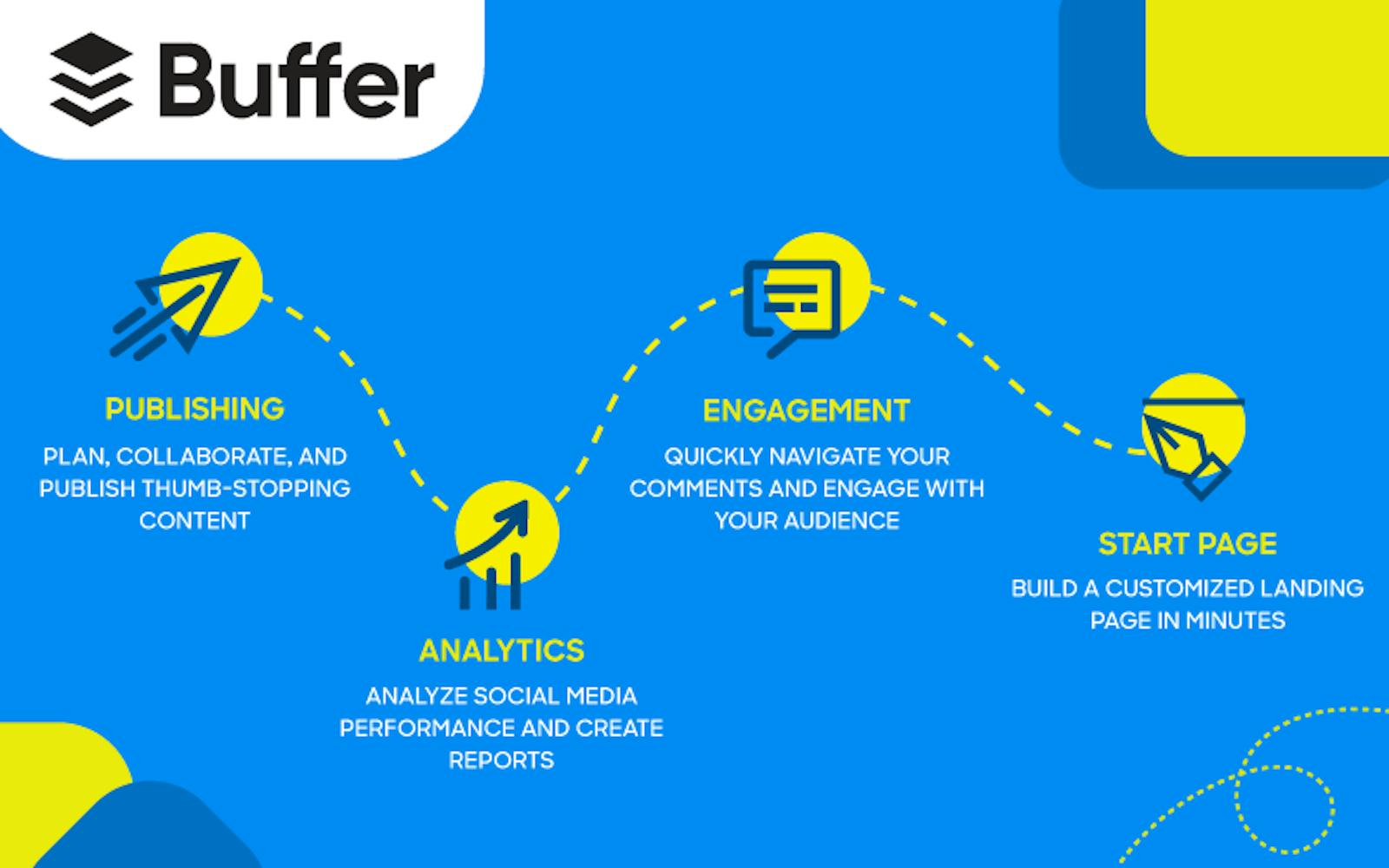
Buffer is undoubtedly already known to you if you have any knowledge of social media and digital marketing.
Buffer, introduced in 2010, is one of the best online resources for managing social network accounts.
It provides various services, such as social listening, data analytics, and perceptions of the frequency of users posting on various social media sites, such as Twitter, Facebook, Pinterest, and LinkedIn.
Prominent Features
- Publish material: You may easily publish and share content on various social media platforms, including Twitter, LinkedIn, and Facebook.
- You can download its extension for Chrome, share links, post blogs, or upload photographs from anywhere.
- Free picture creation software: the built-in picture creation tool "Pablo" enables you to make images quickly for various social media networks.
Limitations
- The Instagram integration is lacking.
- There is no facility to search hashtags or queries specifically.
Cost
There are also the following plans with a free one that permits you to post on up to three channels:
- Essential: $5 per month for social media.
- Team: $10 per month per social channel.
- $100 per month for each social media channel.
Sprout Social
Due to the platform's usability, publishing options, and statistics across all major social media sites, Sprout Social is a top pick for many social media managers.
Additionally, this supplier provides one of the longest free trials in the industry.
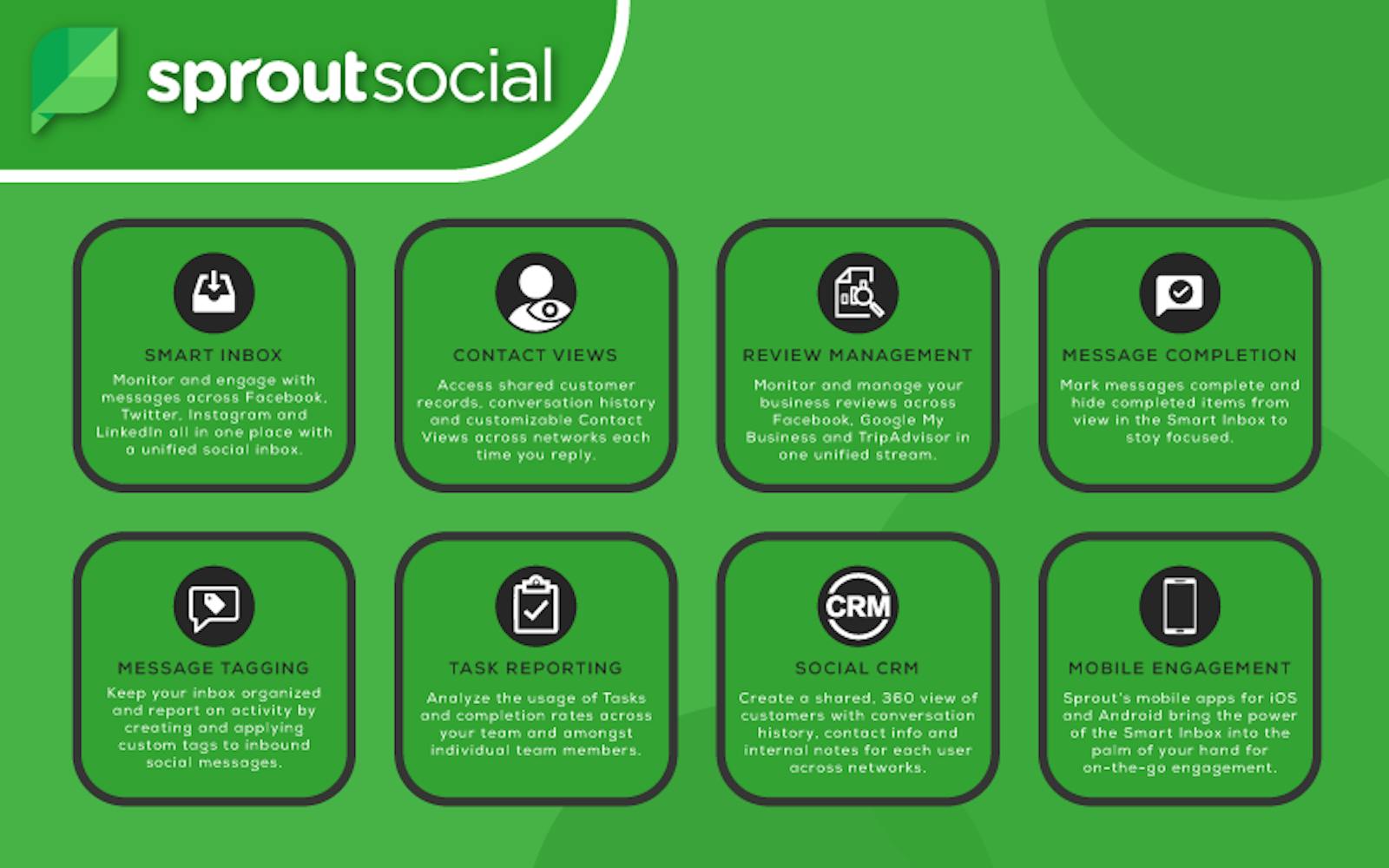
This program is an excellent option for all-in-one administration because it covers all the major social media platforms, including Meta, Twitter, Instagram, LinkedIn, and Pinterest.
Prominent Features
- Analytics and reporting help manage user engagement and return on investment (ROI).
- An excellent user dashboard lets you control all your social networks from one location.
- Use tools for social media optimization
- Scheduling tools make it simple to create content.
Planable
Planable, which offers up to 6x faster content creation, was designed for people who need to produce social media material quickly.
The team communication tools from the collaboration are excellent for ensuring everyone is on the same page.
You may say goodbye to more detrimental than beneficial spreadsheets with end-to-end workflow.
Prominent Features
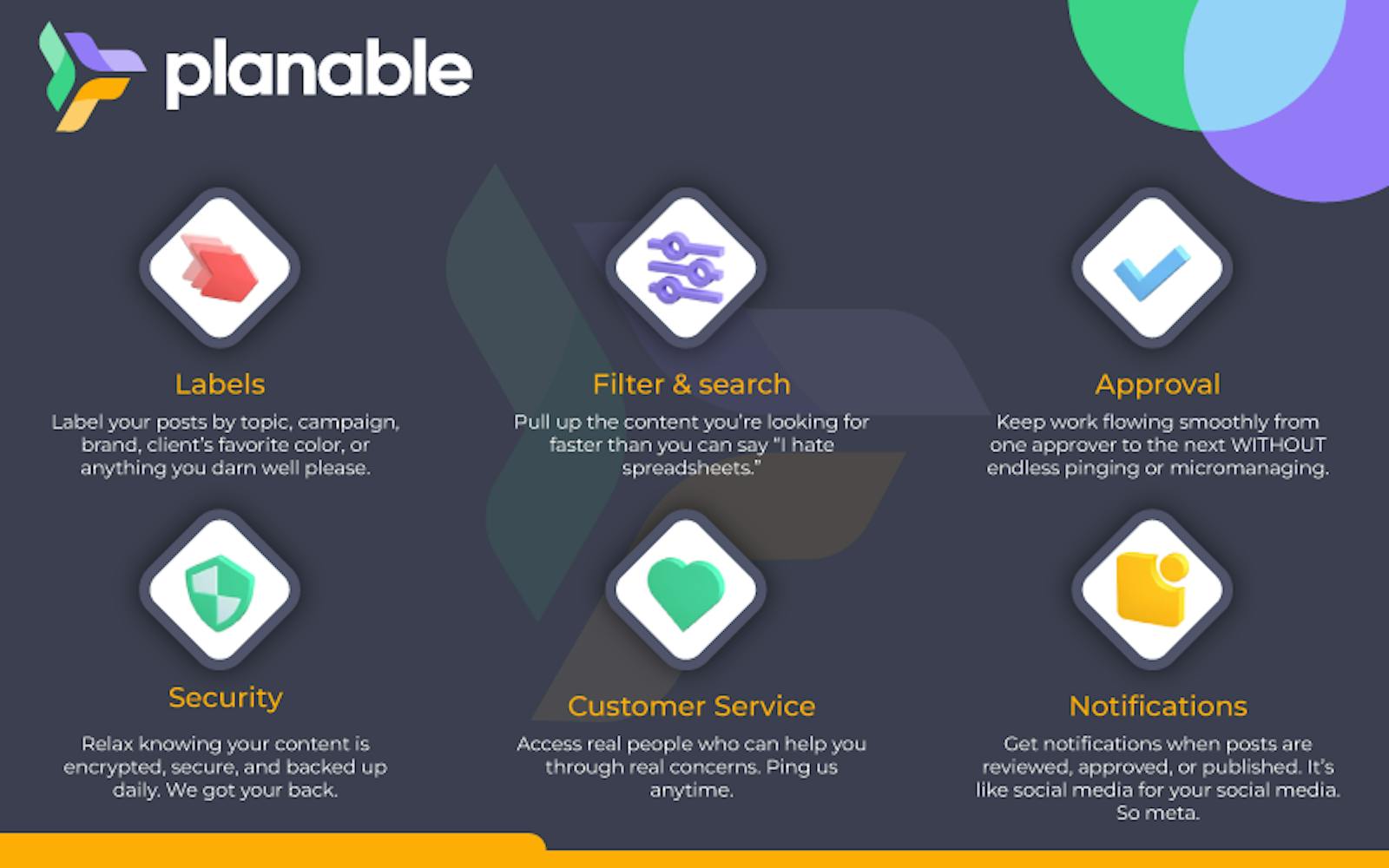
- A committed account manager aids in maximizing the benefits of your subscription.
- Constant support makes sure you're never in the dark.
- Unlimited users and workplaces guarantee that everyone can sit down for a meal.
- Team onboarding and training ensure that everybody knows how to utilize Planable effectively.
- Your data is protected by strong security, and a simple social media schedule ensures you're always on top of things.
- Using a social media planner is simple and quick.
Limitations
- When bulk uploading content, customizing postings can be difficult.
Cost
To ensure the system is a suitable fit for you, you can test it out for free (you get 50 total posts).
These are the costs when you're ready to upgrade to a paid plan:
- Simple: $11 per user.
- $22 per user.
- Enterprise: A quote on demand.
Zoho
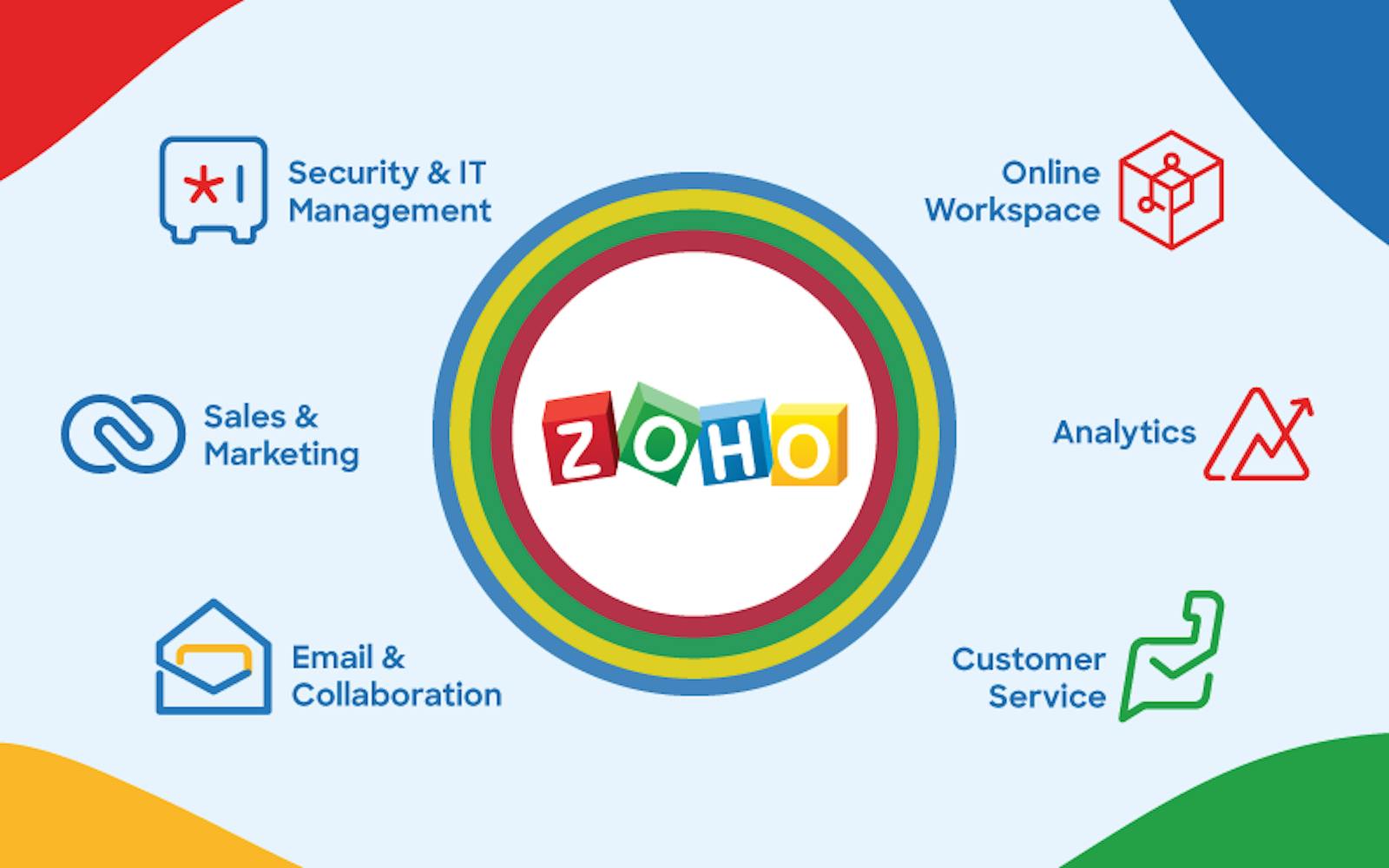
Zoho stands out as an all-in-one solution that users can use to manage their email, projects, accounting, and webinars while also managing the social side of their businesses.
Prominent Features
- Zoho provides a CRM tool that unifies the management of your email, projects, accounting, and other tasks.
- Social media planning for people starts at $10 per month
- Their social media management software can be integrated and works with all major social media platforms
- A free edition with a limited feature set is offered with the opportunity to upgrade
Limitations
- It starts off needing a lot of customization.
- Minimal client service.
- Conversion optimization is lacking in forms.
Cost
Zoho has different packaging plans for Free+, Standard+, Professional+, Premium+, and Elite+.
Agorapulse
Another dedicated social media management program, Agorapulse, was created exclusively to assist businesses and agencies in posting and monitoring their posts on various social media platforms.
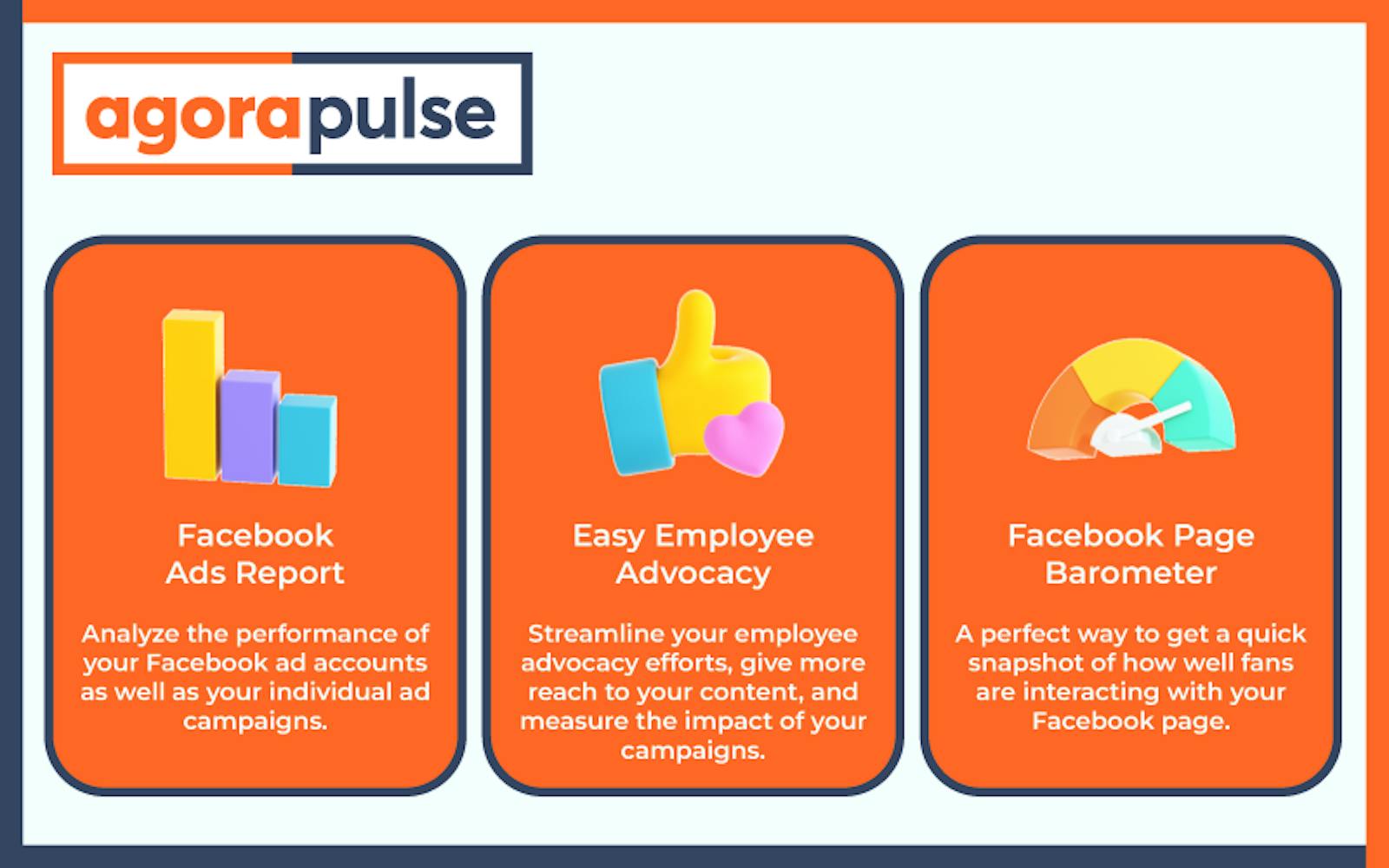
Using a versatile scheduling mechanism, you may wait, reschedule, or bulk upload posts. Additionally, a social mailbox is available for keeping track of comments left on your posts, external mentions, and other critical messages.
Prominent Features
- There is, of course, a reporting feature where you can access analytics on content and engagement data and download them as CSV or PPT files.
- Agorapulse is also made to function with teams, allowing for assigning specific posts, comments, or other tasks to individual members.
- A clever feature allows you to track and annotate followers and other social media users in a CRM database.
Limitations
One of the market's most expensive mid-tier plans. (It is said that a free plan is being developed.)
- The listening feature requires improvement.
- A lack of variety in emoticons.
- There is no possibility of searching the inbox.
Cost
There are four pricing tiers available to accommodate different corporate needs.
- The Pro plan costs $79 a month.
- The cost of the Premium plan is $199 per month.
- The price for the Enterprise plan is determined individually.
- With an annual payment, all of the options provide a discount of around 20%.
Crowdfire
This social media management application, which was first introduced in 2010 as "JustUnfollow," was updated and changed its name to Crowdfire in 2015.
It is one of the most effective social media management tools available at the moment, with over 20 million users across the globe, including bloggers, e-sellers, freelancers, and artists.
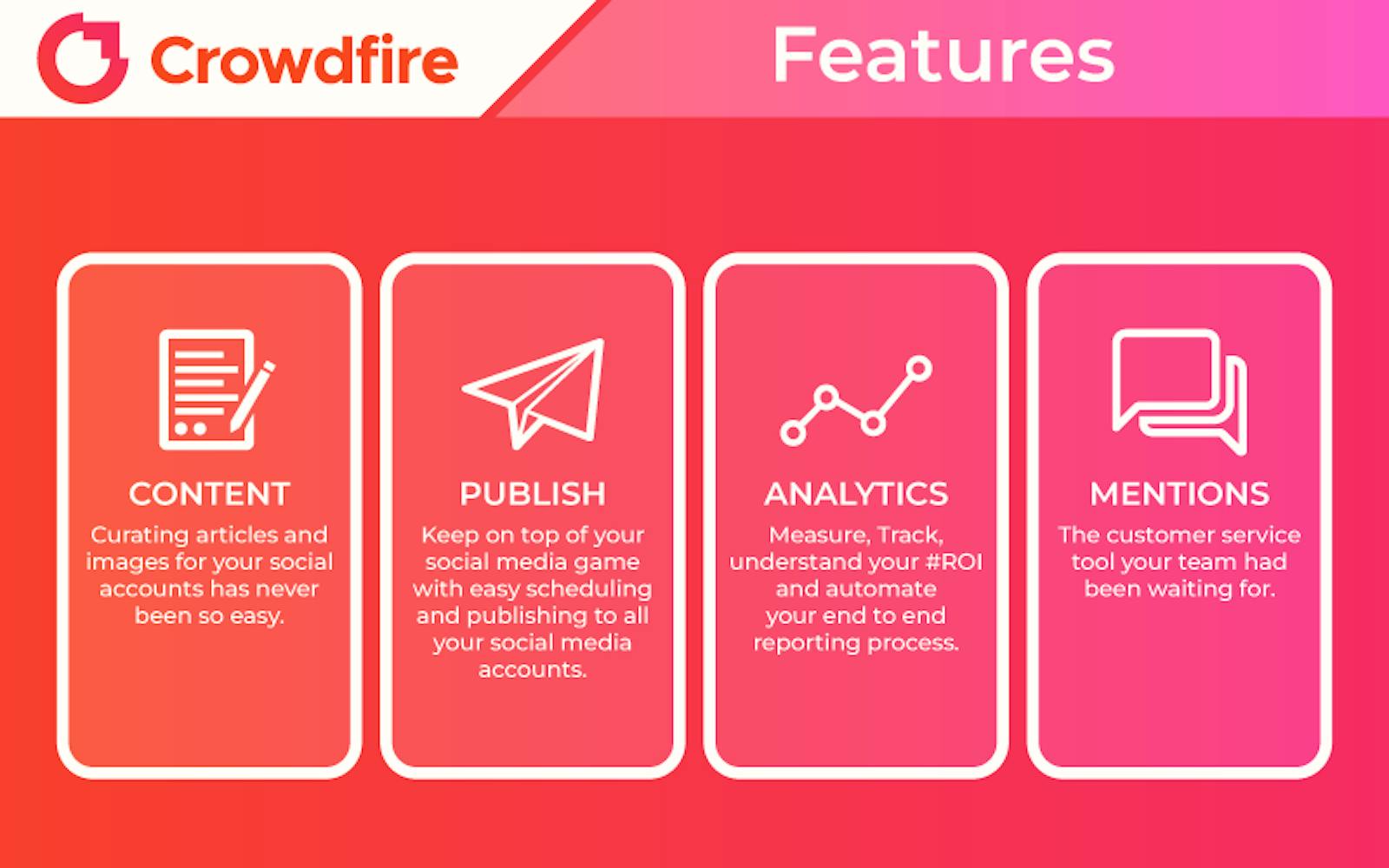
Crowdfire is an all-inclusive social media management tool with scheduling, analytics, social listening, and content curation options.
Prominent Features
- Search relevant information - You can find infographics and videos depending on your interests to find stuff that will appeal to your audience.
- Schedule all of your pertinent content in advance and publish it at the periods that you have specified.
- Listen to everything being said about your brand on social media and analyze your competitors.
- Get extensions - You can add different add-ons, such as Google Chrome extensions, to Crowdfire.
- Free of charge: It provides one free account for each social media platform and a 14-day free trial of its premium features.
Limitations
- It only suggests content posted by other members, such as films or infographics.
- There are few opportunities to promote blogs.
Cost
Quantity is prioritized over quality in pricing:
It provides a free account for each social networking platform as well as a 14-day trial of the top plan. Three paid programs are available in addition to that. The monthly fees for
- The "Plus" program is $7.48
- The "Premium" plan is $37.48
- The "VIP" plan is $74.98.
Sendible
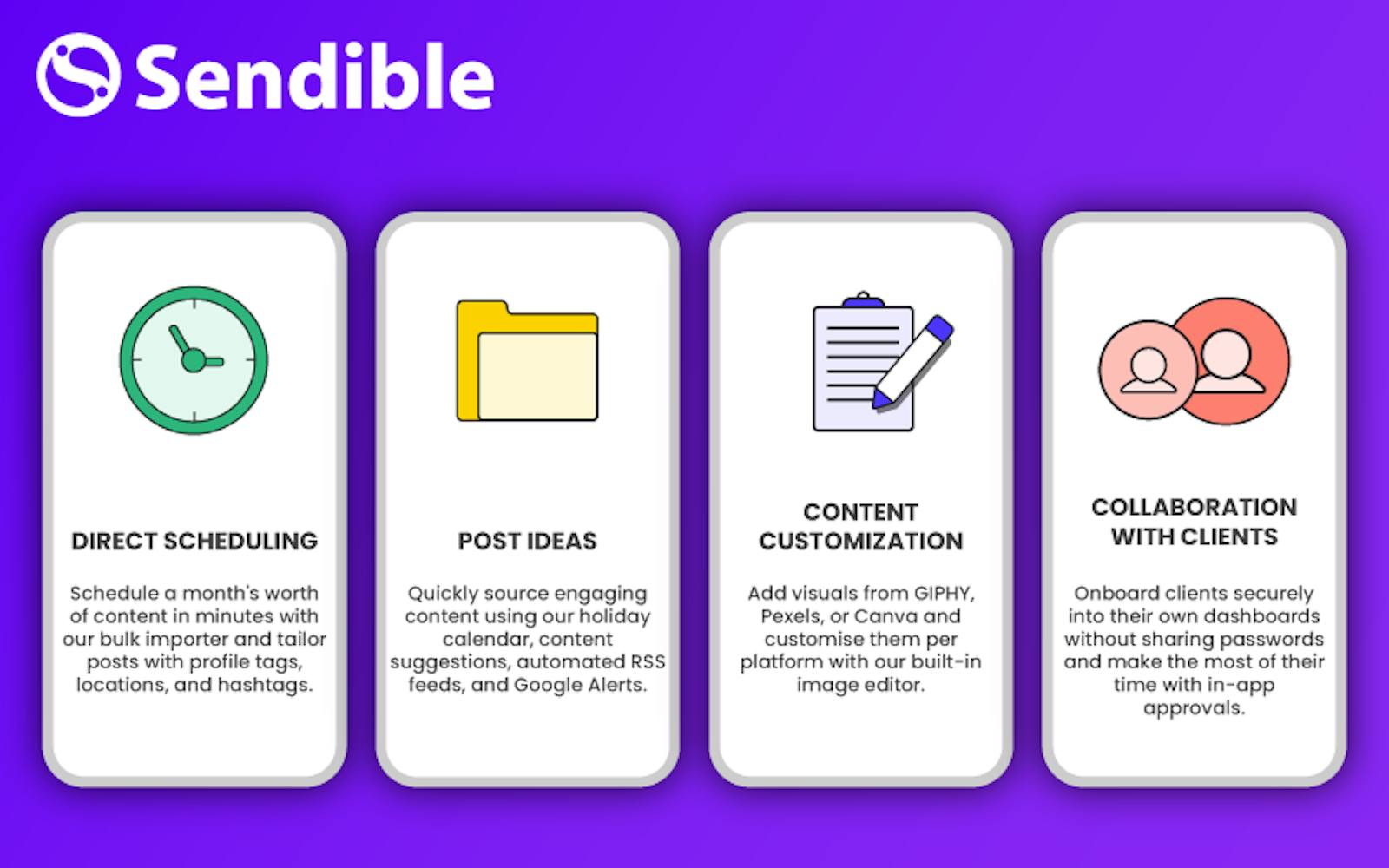
A social media management solution called Sendible was created especially for businesses with several clients. In addition to the majority of functionality that social media management solutions offer, Sendible lets you brand your dashboard to draw in new customers.
Prominent Features
Impressive Sendible integrations include searches for YouTube videos, royalty-free images, and the Canva graphics editor.
Additionally, it offers some automation for people who want to reduce time spent on tedious duties.
Limitations
- No free version
- The cost is on the upper side.
Cost
FREE 14-day trial. $29 a month for the creator. Effort: $89 monthly. $199 per month is the range.
MeetEdgar
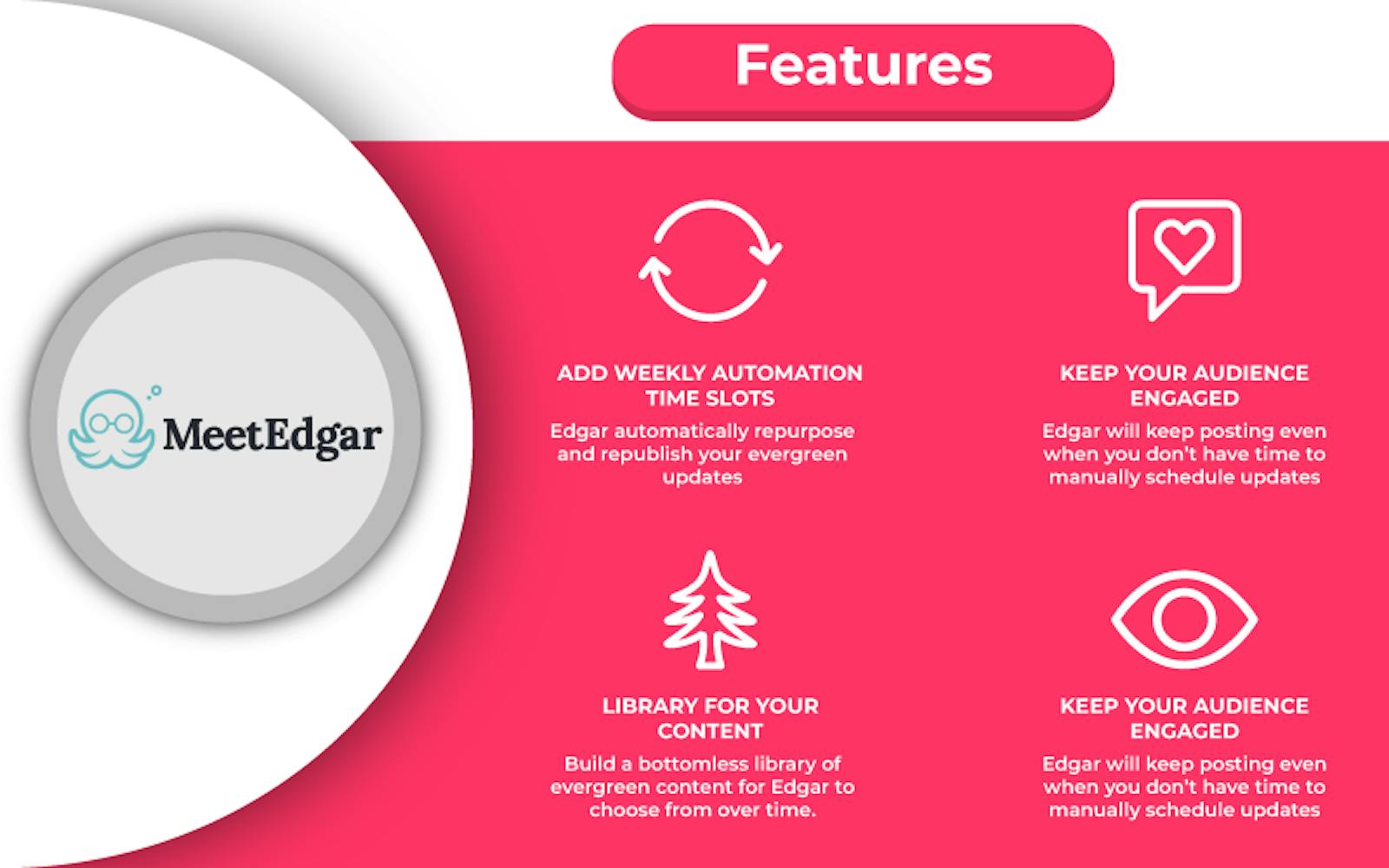
Due to its automation and scheduling capabilities, MeetEdgar is unique. They even provide continuous posting, which entails curating and resharing relevant posts on your social media profiles on an automatic basis.
Prominent Features
- Because they are designed to assist time-strapped organizations in automating their accounts, MeetEdgar wins the award for best automation.
- With the help of this program, you can create posts using a browser extension, schedule them according to categories to save time and effort, and carry out continuous posting to keep your audience engaged.
- Thanks to the excellent automation and scheduling tools, you can set up your social media and forget about it. Analytics are available for reaction and engagement.
Limitations
You can only manage a certain number of social media profiles (Twitter, Facebook, and LinkedIn). This is insignificant in light of competing programs' ability to integrate with platforms like Google+, Instagram, etc.
Cost
- $29.99/month - Edgar Lite plan.
- $49.99/month - Standard Edgar plan.
SEMrush
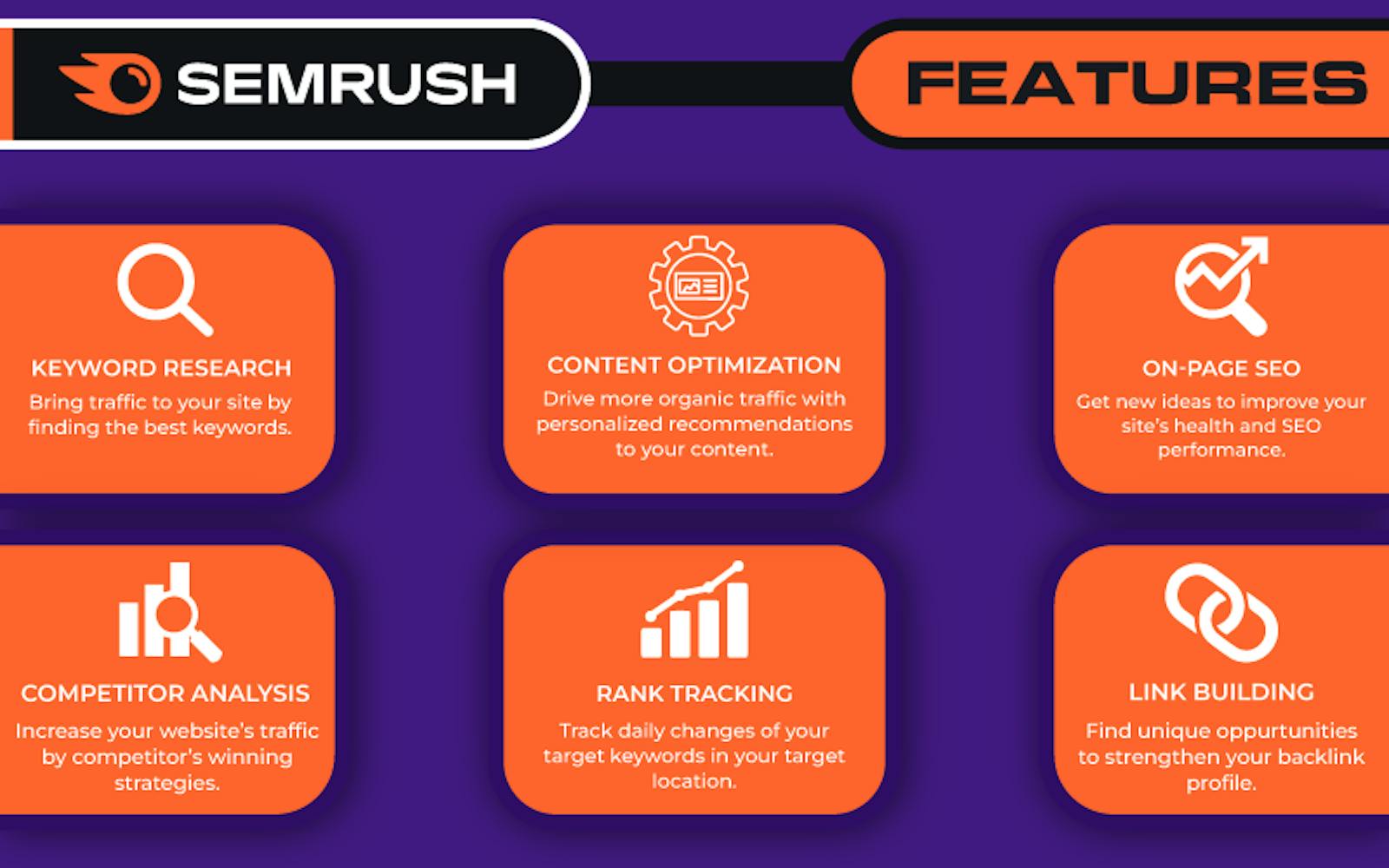
Although SEMrush is best recognized as an all-encompassing SEO software platform, it also includes a few helpful features for managing social media accounts on Facebook, Twitter, Instagram, Pinterest, LinkedIn, and Google My Business.
Prominent Features
- Using the social media poster, you may schedule postings on these many social media channels.
- You can customize your posts using the link shortener, picture editor, and UTM builder before publishing them immediately or on a predetermined date.
- Another option is managing advertisements, especially on Facebook, Instagram, Facebook Messenger, and the Audience Network.
- The main advantage, however, is that SEMrush offers a practical platform that unifies everything in one location and enables you to combine your social media management with your complete SEO and marketing strategy.
Limitations
- The majority of the data is one day old. More than anything else that looks to be connected to Semrush data sources.
Cost
- Pro: $119.95 monthly
- Guru:$229.95 monthly
- Business: $449.95 monthly
eClincher
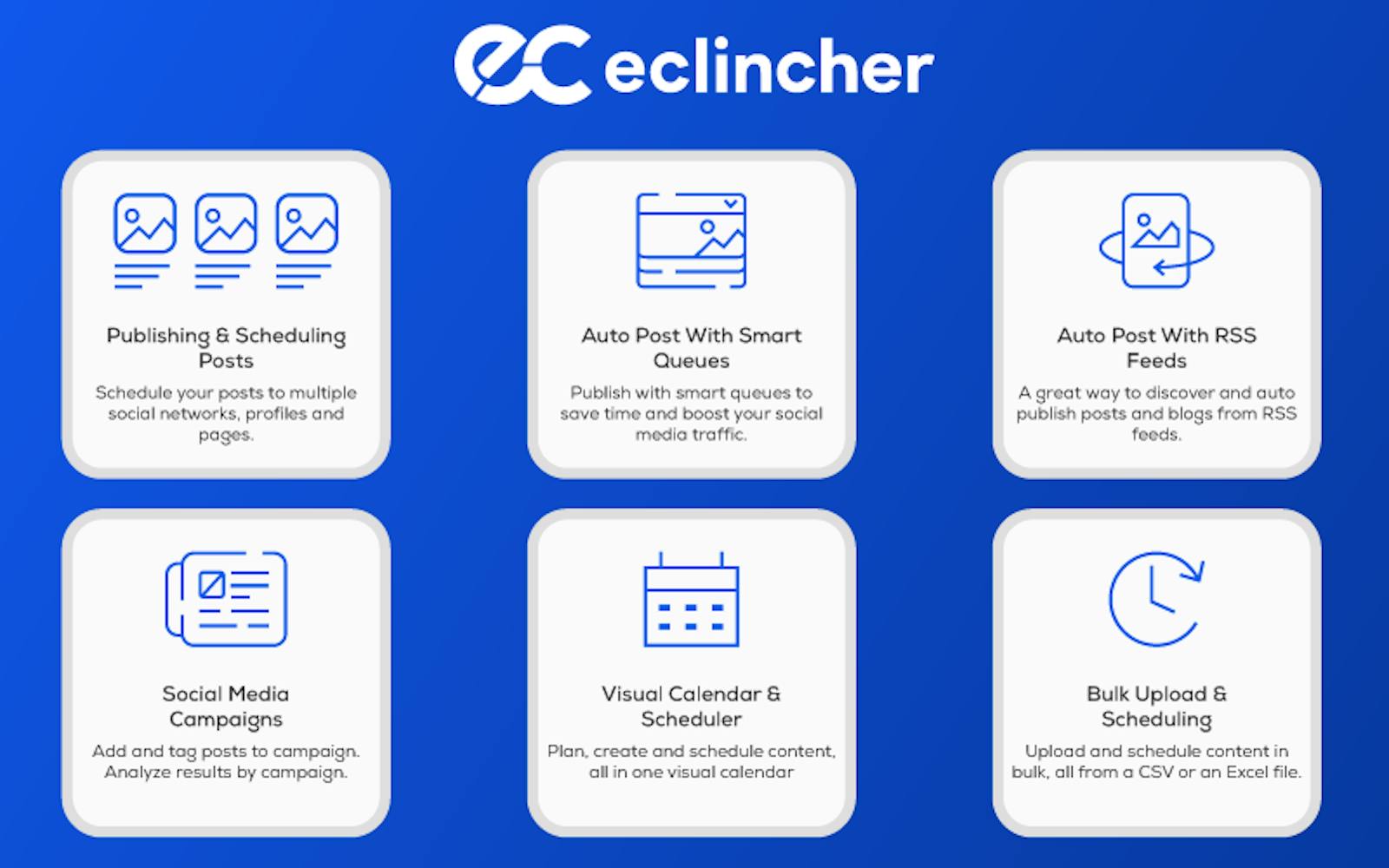
Everything you need to carry out your social media marketing strategy is included in this highly rated, robust social media management tool, often known as a platform.
If scheduling Instagram posts, stories, and carousels is a priority for you, you'll appreciate the Insta Link in bio traffic driver, custom Instagram grid layout, and the ability to schedule all of these features.
Prominent Features
- A social media CRM or clincher's inbox are designed to ensure that you never miss an interaction, message, comment, or review.
- One inbox receives an automatic collection of all exchanges. After responding, you can finish the task and "clear" your inbox.
- Additionally, eClincher makes it simple to curate content pertinent to you and broadcast it to your social network profiles.
- Monitoring hashtags and keywords, social media analytics, Google Analytics integration, URL shorteners, and campaign tracking are all provided.
- This social media tool provides all you need to keep campaigns creative and well-organized while taking care of several social media accounts (s).
Limitations
When using the desktop software, dropdown menus occasionally get in the way of typing, which is a minor inconvenience.
Cost
There are three different price ranges:
- Basic: $59 per month
- Premier: $119 per month
- Agency: $219 monthly
The Bottom Line
Depending on your needs and goals for social media, many different types and sizes of social media management solutions are available.
Hopefully, there will be at least one tool that could be useful to you. The social media management tools ecosystem is much larger than this list can represent.